
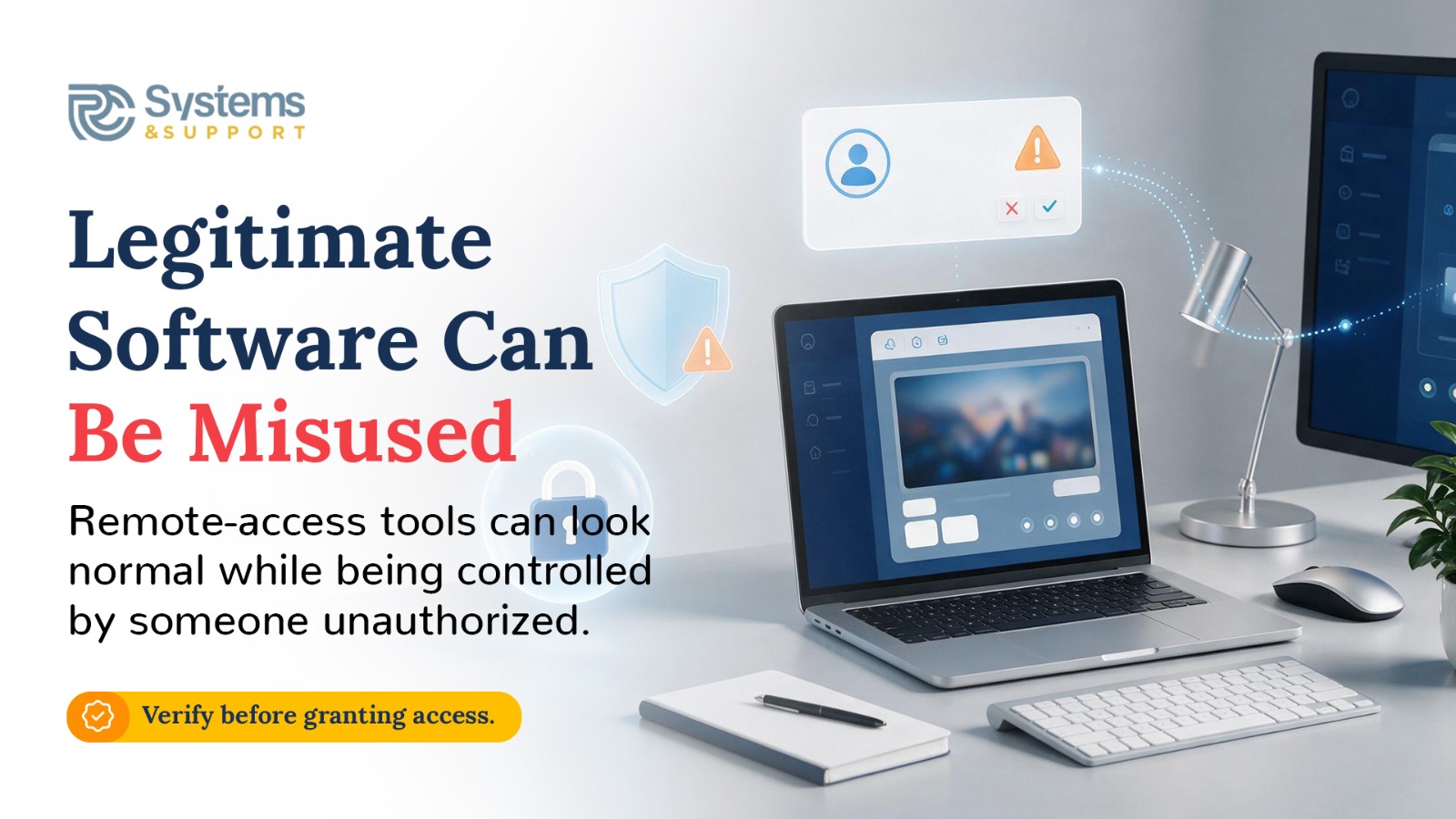
That convenience depends on powerful software known as Remote Monitoring and Management, or RMM, tools. These tools are designed for legitimate IT work, but cybersecurity researchers are seeing attackers increasingly turn the same capabilities against the people and businesses that rely on them.
According to the 2026 Huntress Cyber Threat Report, abuse of RMM tools increased 277% year over year and appeared in nearly a quarter of the incidents Huntress investigated. Rather than always bringing obvious malicious software with them, attackers are learning that legitimate IT tools can sometimes provide the access they need while making their activity harder to distinguish from normal technical support.
Remote-support software needs significant capabilities to do its job. Depending on the product and permissions involved, a technician may be able to view a screen, transfer files, run commands, install software, troubleshoot settings, and perform administrative tasks without physically sitting in front of the computer.
Those capabilities are extremely useful when the person on the other end is someone you trust. They're equally useful to an attacker who manages to gain unauthorized access.
This is one reason RMM abuse can be difficult to recognize. Traditional malware often involves a suspicious program arriving on a computer. With RMM abuse, the software itself may be legitimate and may even be something an organization already uses.
The problem isn't necessarily the tool. It's who is controlling it and what they're doing with it.
When people hear that remote-management software has been abused, it's easy to assume attackers must have hacked the software itself. That's not always what happens.
An attacker might steal the credentials of someone authorized to use an RMM platform. In other cases, a victim may be tricked into installing legitimate remote-access software after receiving a fake technical-support call, phishing email, invoice, file-sharing notification, or other convincing message.
Once that remote connection is established, the attacker may have a legitimate piece of software doing exactly what it was designed to do—except the person giving it instructions shouldn't be there.
Huntress has documented cases in which threat actors used RMM tools to execute commands, steal credentials, deploy additional malicious software, and maintain access to compromised systems. Its researchers have also observed attackers using multiple remote-management tools together, making their access more persistent and complicating detection and removal.
The consequences can go well beyond someone viewing your screen.
In one example highlighted by Huntress, a rogue SimpleHelp agent appeared on a system during the early morning. The suspicious RMM activity was detected within minutes, but the activity wasn't immediately acted upon. Roughly a day later, the same foothold was involved when LockBit ransomware began spreading through the environment.
That example illustrates an important point about ransomware: the moment files become encrypted isn't necessarily when the attack began.
An attacker may already have spent hours—or longer—establishing access, exploring systems, obtaining credentials, moving between computers, or preparing additional tools before ransomware becomes visible. Huntress reported that attackers spent an average of about 20 hours inside victim environments before ransomware deployment during 2025.
Remote-management access can provide one of those footholds.
There is another side to the problem. Sometimes attackers don't trick someone into installing an RMM tool or steal an authorized user's credentials. They exploit a security weakness in the remote-management software itself.
CISA warned in 2025 that ransomware actors were exploiting unpatched instances of SimpleHelp RMM. According to the agency, attackers had been targeting vulnerable SimpleHelp deployments since January 2025, and the activity included compromises affecting customers of a utility billing software provider.
This doesn't mean that using SimpleHelp—or another RMM platform—is inherently unsafe. It demonstrates why software that provides powerful remote access needs to be patched, properly configured, carefully controlled, and monitored.
A vulnerability in an application that can remotely administer computers deserves particular attention because compromising that application may give an attacker much more than access to a single program.
For an everyday computer user, the most important part of this story may not involve corporate networks at all.
Imagine receiving a phone call from someone claiming to be from Microsoft, your internet provider, your bank, or another company you recognize. They tell you there's a serious problem with your computer and ask you to install a remote-support application so they can fix it.
The software they ask you to install might be completely legitimate.
The person asking you to install it may not be.
Government cybersecurity agencies have previously warned that scammers can use legitimate RMM applications to gain remote access to victims' computers. Because the software has genuine business uses, its presence alone may not trigger the same security warnings you would expect from traditional malware.
That's why you should never grant remote access simply because the program looks professional or because the person calling knows the name of a legitimate technology company.
If someone unexpectedly contacts you and says they need control of your computer, stop before installing anything. Contact the company through a phone number or website you independently know to be legitimate and verify the request.
Organizations have a different challenge because remote-management software may already be an essential part of their IT operations. Simply removing every RMM application isn't realistic.
Instead, businesses need to know which remote-access tools are authorized, where they're installed, who is allowed to use them, and what normal activity looks like.
CISA recommends auditing remote-access tools, reviewing RMM activity for abnormal behavior, restricting organizations to approved remote-management solutions, and watching for unexpected RMM software. Network segmentation can also help limit how far an attacker can move if one system is compromised.
Keeping RMM software updated is equally important. Remote-management platforms shouldn't become forgotten background software simply because they're normally used by IT.
Remote support itself isn't the enemy. Used correctly, it's one of the fastest and most useful ways to solve technology problems.
The lesson from the rise in RMM abuse is that trust should be attached to the person and the process—not simply to the software on the screen.
If you receive an unexpected request for remote access, don't install software or share an access code until you've independently verified who you're dealing with. If remote-support software appears on your computer and you don't know why it's there, that deserves investigation as well.
This is also where having an established technology-support relationship can make a difference. RC Systems & Support uses remote access as part of legitimate technical assistance, but that access happens within a known support relationship. If you're ever contacted by someone claiming to provide technical support and aren't sure whether the request is legitimate, contact RC Systems & Support through the contact information you already trust before allowing anyone into your computer.
The technology that lets a trusted technician help you from miles away is powerful. That's precisely why access to it should never be given to a stranger without verification.




.avif)
.avif)