
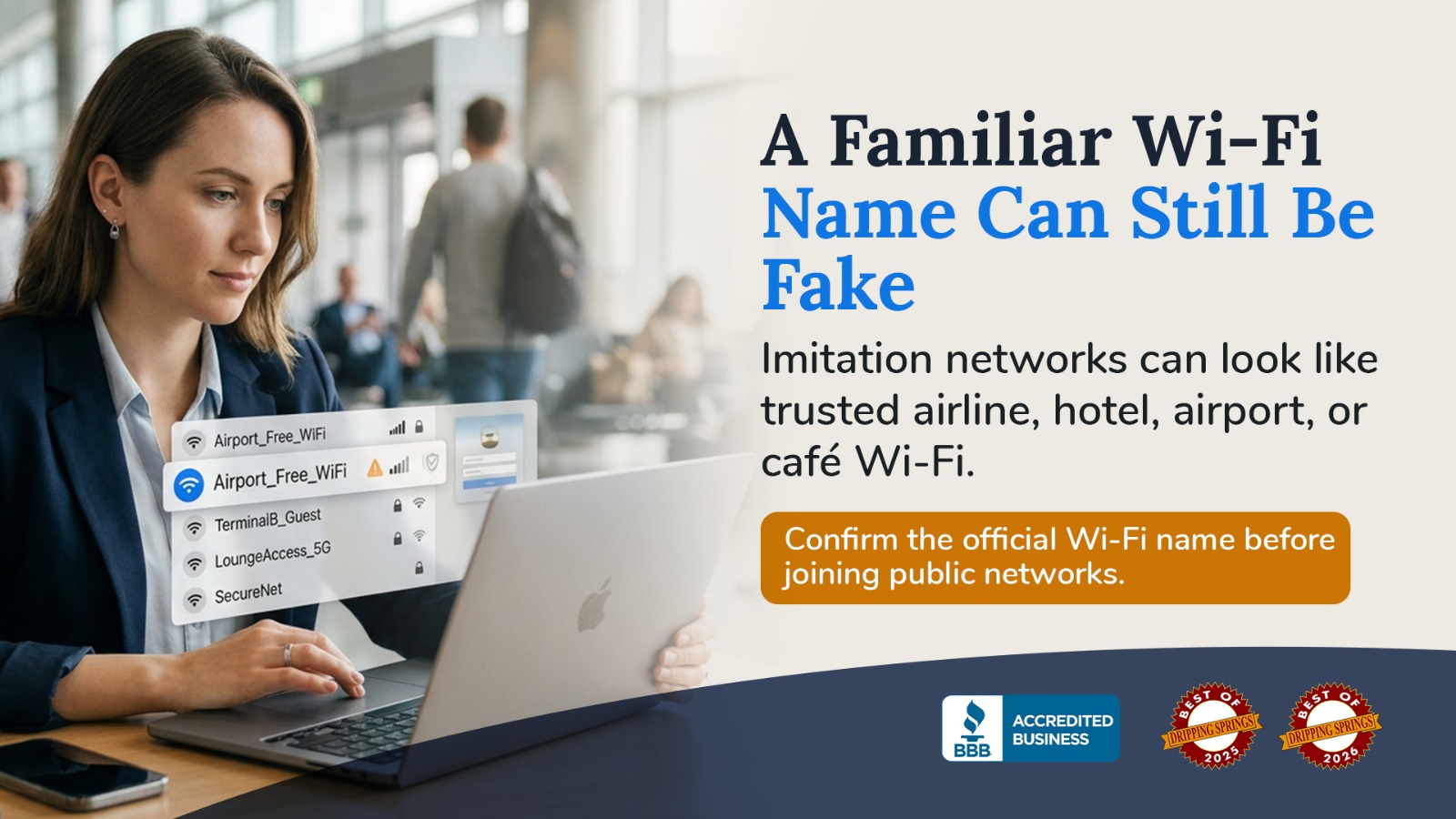
On August 10, Delta Flight 591 was traveling from Las Vegas to Atlanta when an unauthorized Wi-Fi network appeared onboard. The flight was carrying passengers returning from Las Vegas shortly after DEF CON 34, one of the world's largest cybersecurity conferences. Delta later confirmed that the unauthorized network was not provided, operated, or supplied by the airline.
The incident is still under investigation, and there are important details that have not been established. But for anyone who regularly connects to public Wi-Fi, what happened aboard Flight 591 provides a useful reminder: a network can look legitimate without actually belonging to the business whose name it uses.
During the flight, an unauthorized wireless network reportedly appeared with the name "Delta WiFi Fast." The name was convincing enough to resemble something an airline might offer passengers as part of its onboard internet service. Reports surrounding the incident also described disruption to the legitimate onboard Wi-Fi.
Once the issue was identified, the aircraft's passenger Wi-Fi was disabled for approximately 30 minutes. Delta has emphasized that there was no hack of its systems, the safety of the flight was never in question, and no aircraft operating systems were affected. The FBI's Atlanta office has also confirmed that it is aware of reports concerning a potential Wi-Fi-related incident and is communicating with local and corporate partners.
Because the flight departed Las Vegas shortly after DEF CON concluded, some early reports and online discussions connected the incident to passengers who had attended the conference. That connection should be treated carefully. As of the latest reporting, responsibility for the unauthorized network has not been publicly established, and the FBI said no arrests had been made.
Most people identify a public Wi-Fi network by its name. If you're sitting in a hotel lobby and see a network with the hotel's name, it feels reasonable to assume that it belongs to the hotel. The same is true when you're on an airplane and see a network containing the airline's name.
Unfortunately, the name displayed in your Wi-Fi settings isn't proof of who actually operates that network. Someone can create a wireless network and give it a name designed to resemble the legitimate network nearby.
In cybersecurity, a fraudulent network designed to imitate a trusted one is often called an evil twin. Instead of trying to convince you to visit a suspicious website or open an unexpected attachment, the attacker relies on something much simpler: your expectation that the familiar-looking Wi-Fi network is the correct one.
That is what makes this type of attack particularly relevant to everyday users. You don't necessarily have to make an obviously risky decision. Connecting to what appears to be the correct Wi-Fi network may be enough to put you in a situation where someone can attempt to deceive you.
Connecting to an unauthorized network doesn't automatically mean that your passwords, financial information, or personal data have been stolen. What happens after the connection is what deserves your attention.
A malicious network could direct you to a convincing login page asking you to enter information before getting internet access. Depending on how the network is configured, that page might ask for an email address and password, account credentials, payment information, or other personal details.
This can be especially convincing because legitimate public Wi-Fi often works in a similar way. Hotels, airports, airlines, and other businesses commonly display a page where you accept terms, enter a room number, provide an email address, or otherwise authenticate before going online.
The difference between a legitimate page and a fraudulent one may not be obvious at first glance. If a Wi-Fi login page asks for information that doesn't make sense for the service you're using, that should be a reason to stop rather than continue.
The safest habit is also one of the simplest: confirm the network name before connecting.
On an airplane, use the Wi-Fi instructions provided by the airline rather than choosing whichever network looks most official. At a hotel, the front desk can confirm the correct network name. At a coffee shop, airport lounge, conference, or other public location, look for posted instructions or ask an employee when you're uncertain.
Pay particular attention when you see several networks with very similar names. A fake network might add words such as "Guest," "Free," "Fast," or "5G" to make itself appear like an upgraded or official alternative.
Taking a few seconds to verify the network can be far easier than dealing with a compromised account later.
A public Wi-Fi network may legitimately ask you to accept terms and conditions or provide basic information. It should not be an excuse to hand over sensitive credentials without considering why they're needed.
If a Wi-Fi page unexpectedly asks for your Google password, Microsoft account credentials, banking information, Social Security number, or another sensitive piece of information, don't enter it simply because you want to get online.
The same applies to unexpected downloads. If connecting to public Wi-Fi suddenly requires you to install an application, browser extension, security certificate, or software you weren't expecting, stop and verify the instructions with the organization providing the network.
A professional-looking page isn't proof that the request is legitimate.
There will be times when you simply aren't sure whether a public network can be trusted. In those situations, you don't have to choose between taking the risk and staying offline.
When cellular service is available, using your phone's mobile data or personal hotspot can be a better choice, particularly when you're accessing sensitive accounts. Banking, financial services, work systems, medical portals, and other accounts containing private information deserve additional caution when you're away from a network you control.
Public Wi-Fi isn't automatically dangerous, and avoiding it entirely isn't realistic for many people. The goal is to recognize when convenience isn't worth unnecessary risk.
If you discover that you may have connected to an unauthorized Wi-Fi network, start by disconnecting from it and removing the network from your device's saved Wi-Fi connections. This can prevent your phone or computer from automatically reconnecting to the same network later.
Next, consider what you actually did while connected. If you only connected briefly and didn't enter information or interact with an unexpected page, that is very different from entering your email password into a suspicious login form.
If you entered a password that you now believe may have been exposed, change it from a trusted connection. If that password was reused on other accounts, change those passwords as well. Enabling multi-factor authentication can add another layer of protection, and you should watch for unfamiliar login notifications or password-reset messages.
If you provided payment or banking information, contact the financial institution involved and explain what happened so it can advise you on the appropriate next steps.
The unusual setting is what made the Delta incident newsworthy, but the underlying lesson isn't limited to airplanes.
The same situation can happen anywhere people expect public Wi-Fi to be available. An airport network can be imitated. So can a hotel network, a coffee shop network, or Wi-Fi at a conference or event.
Public Wi-Fi depends partly on trust, and attackers know that familiar names make us more comfortable. The appearance of "Delta WiFi Fast" aboard Flight 591 demonstrates just how little information we sometimes use before deciding that a network must be legitimate.
The next time you see a familiar Wi-Fi name, take a moment before tapping Connect. Verify the network when possible, question unexpected requests for sensitive information, and use a connection you trust when you're accessing important accounts.
At RC Systems & Support, we believe good cybersecurity isn't about being afraid of technology. It's about understanding the small warning signs that help you make safer decisions. If you're unsure whether a network, security warning, email, or login request is legitimate, getting a second opinion before providing information can prevent a small uncertainty from becoming a much bigger problem.




.avif)
.avif)