
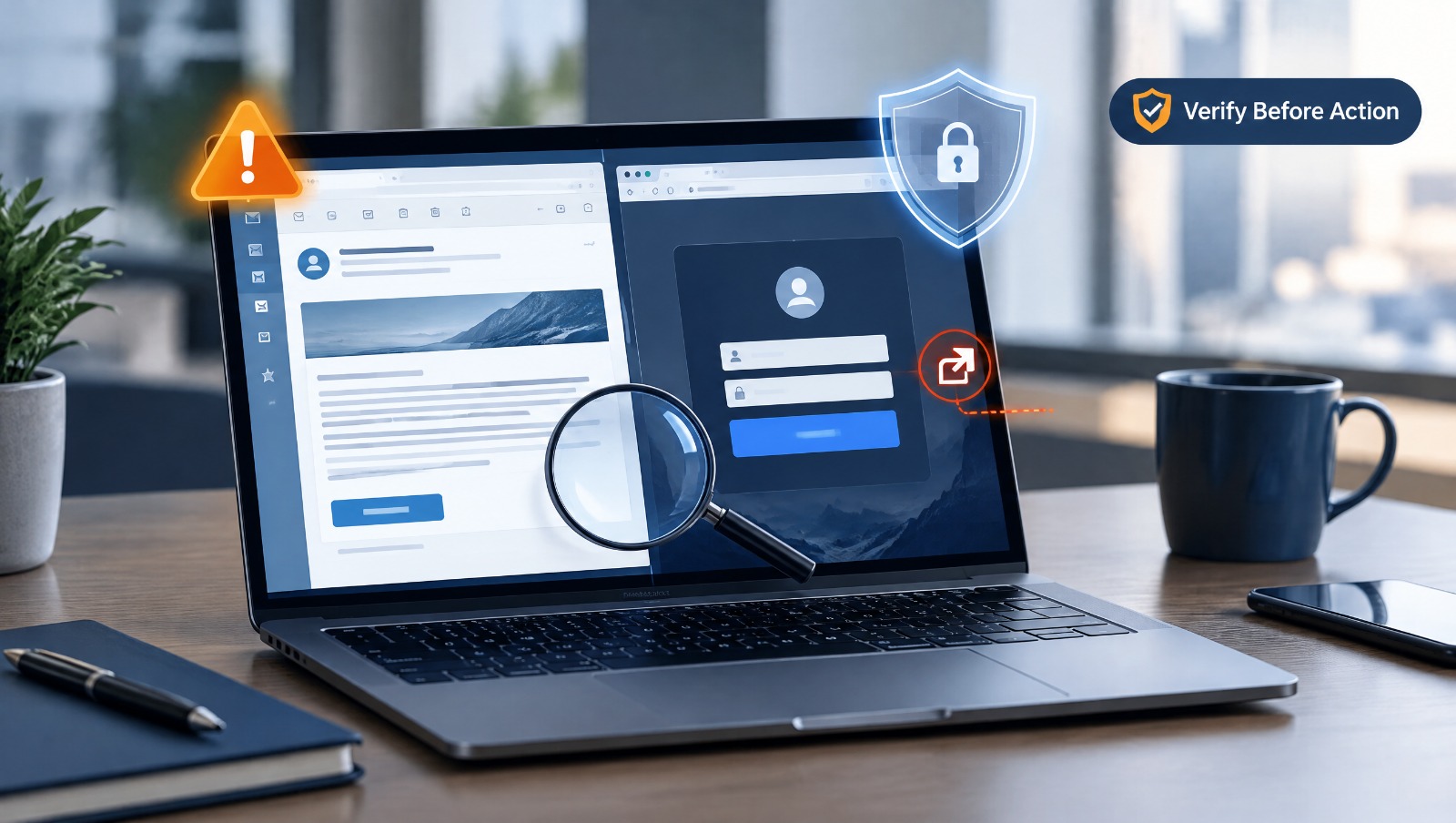
Interactive Brokers recently warned its customers about an increase in phishing attempts in which scammers impersonate the company and direct people to fraudulent websites designed to look legitimate. These messages may arrive by email or text and can claim that tax information, compliance details, account information, or other sensitive information needs immediate attention.
The warning matters even if you have never used Interactive Brokers. The techniques being used are not unique to one company or one industry. The same approach can be used to impersonate banks, investment firms, technology companies, delivery services, retailers, email providers, and other organizations people interact with every day. Recognizing a company name or logo is no longer enough to know that a message can be trusted.
There was a time when many phishing attempts were relatively easy to recognize. Strange formatting, obvious spelling mistakes, awkward sentences, and suspicious email addresses often provided enough warning that something was wrong. Those signs still exist, but scammers have become much better at creating communications that appear professional.
Interactive Brokers warns that artificial intelligence can help criminals create messages with convincing spelling and grammar. Scammers can also reproduce familiar branding, logos, colors, and page layouts to create fraudulent websites that closely resemble the real thing. A person following a link may therefore arrive at a page that looks exactly where they expected to be.
The danger begins when that fake website asks for login information. Entering a real username and password does not sign the victim into the account; instead, it can give those credentials directly to the scammers. Interactive Brokers also warns that attackers may attempt to access the real account afterward and try to circumvent two-factor authentication protections.
This is why the appearance of a website should never be the only reason you trust it. A polished design and recognizable logo can be copied, while the web address in the browser remains one of the most important details to verify.
Many people already know that clicking an unexpected link in an email can be dangerous. A natural response is to open a browser, search for the company independently, and click one of the first results. That approach may feel considerably safer, but Interactive Brokers warns that it can still carry risk.
Scammers can use techniques that cause fraudulent websites to appear prominently in search results. A fake website can therefore be encountered without clicking the original phishing link at all. Someone who believes they are being cautious could search for a company's login page, choose what appears to be the correct result, and still end up on a fraudulent website.
Interactive Brokers recommends navigating directly to its official website and accessing an account through the login option there. The same habit is valuable for other important online accounts. When money, personal information, email, or business systems are involved, using a website address you already know, an official application, or a trusted bookmark reduces your dependence on links and search results that may not be what they appear to be.
Technology is only one part of a successful phishing attack. Scammers also rely heavily on human behavior, particularly the tendency to react quickly when something appears to threaten an important account, payment, or piece of personal information.
A message might claim that your account has been compromised, a payment has failed, information must be updated, or access will be suspended unless you respond immediately. The details change, but the purpose of the urgency is often the same: to get you to act before you have enough time to question what you are seeing.
When an unexpected message creates that kind of pressure, avoid using the message itself to verify the claim. Calling the phone number provided in a suspicious email, replying to the sender, or clicking its login button may simply keep you inside the scam. Instead, contact the organization independently using contact information you already trust or access your account through its known official website.
Interactive Brokers similarly advises customers to carefully inspect website addresses, avoid unexpected links and attachments, independently verify suspicious communications, and never share passwords or two-factor authentication information with another person.
Before responding to an unexpected request involving your money, account credentials, personal information, or computer, spend a little time checking what you are actually being asked to do. Look carefully at the sender and the website address, and watch for slight misspellings, additional words, unusual domains, or anything else that differs from the address you normally use.
It is also important not to assume that a message is genuine simply because it contains accurate information about you or uses the correct company logo. Some scams are carefully prepared, and information gathered from public sources, previous data breaches, or other channels can make a fraudulent message appear surprisingly personal and convincing.
Most importantly, do not allow urgency to make the decision for you. Taking a few minutes to independently verify a message is far easier than dealing with a compromised account, stolen credentials, fraudulent payment, or unauthorized access afterward.
Even when you know what warning signs to look for, there will be situations where a message simply leaves you unsure. An email may look legitimate except for one unusual detail, a text may appear to come from a company you actually use, or a website may look completely normal while something about the address does not seem right.
RC Systems and Support offers free scam reviews for exactly these situations. If you receive a suspicious email, text message, link, website, pop-up, or other communication, you can send it to us and have it reviewed for warning signs that may indicate fraud. There is no charge for the review, and you do not need to interact with the suspicious sender or click the questionable link first.
We would much rather help you examine something before you provide personal information, send money, download a file, enter a password, or give someone access to your computer. If something does not look or feel right, checking it first can be one of the simplest ways to protect yourself.




.avif)
.avif)