
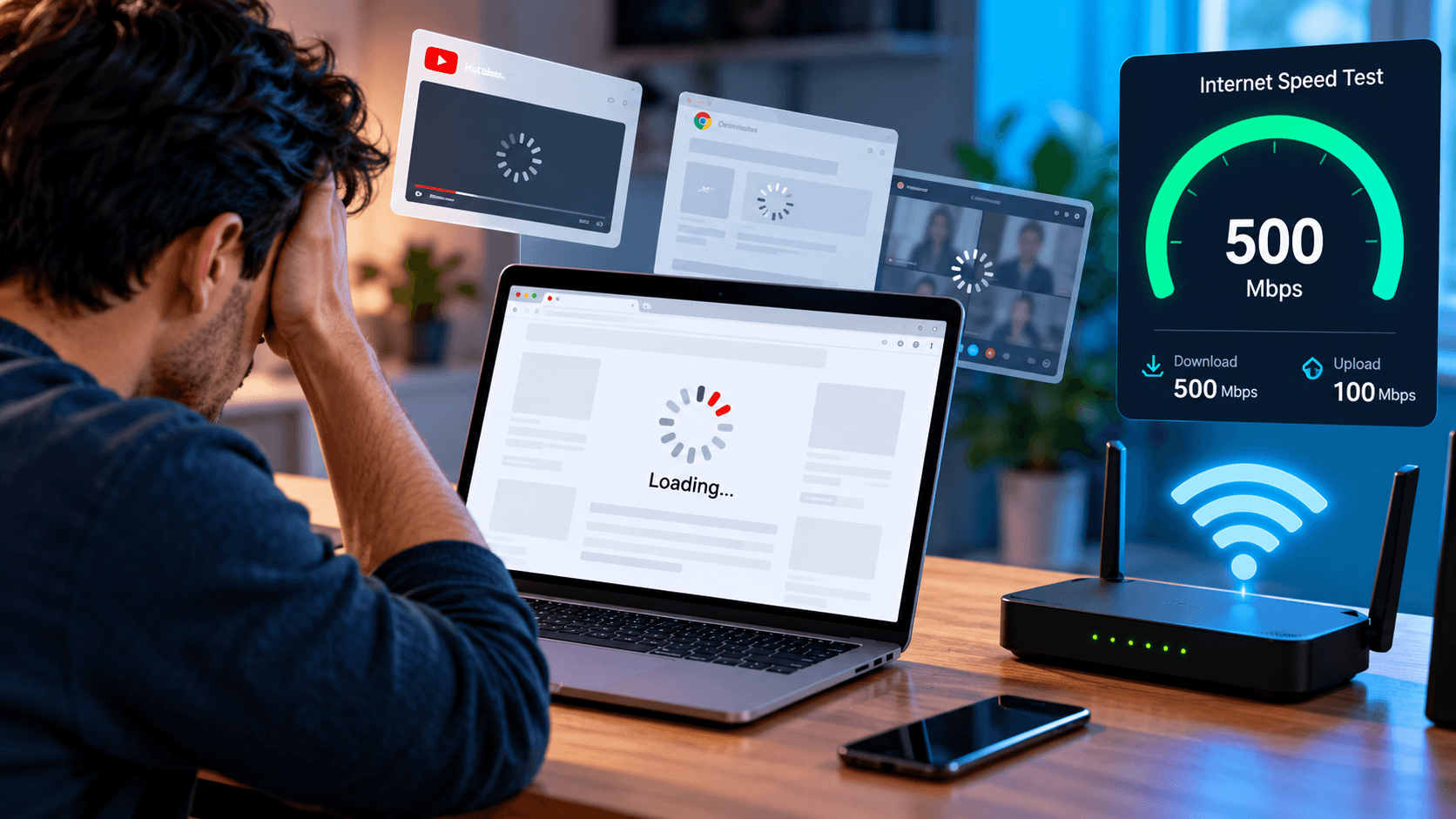
The problem is that internet speed and internet performance aren't quite the same thing. A speed test measures how quickly your connection can transfer data under certain conditions, but everyday browsing depends on several other factors. Your Wi-Fi connection, computer, router, and the websites themselves all influence how quickly things actually happen.
Most speed tests measure download speed, upload speed, and latency. Those numbers are useful for understanding your connection's capabilities, but they don't guarantee that every website or application will perform equally well.
A speed test typically communicates with a selected server optimized for testing. The website you're visiting may be hosted much farther away, depend on multiple external services, or take additional time to process your request. Even with a 500 Mbps connection, a webpage can feel slow if its server responds poorly or the browser struggles to process its content.
This explains why upgrading your internet plan doesn't always produce a noticeable improvement. More bandwidth allows you to transfer larger amounts of data, but it cannot eliminate every delay between clicking a link and seeing the page appear.
Bandwidth determines how much information your connection can carry, while latency measures how long information takes to travel between your device and a remote server. A connection can have excellent bandwidth and still feel unresponsive if latency is high or inconsistent.
This becomes particularly noticeable during video calls, online gaming, and remote desktop sessions, where timely communication matters more than downloading large amounts of data. Variations in latency, known as jitter, can cause uneven audio or delayed responses, while packet loss may interrupt communication and require data to be sent again.
If your downloads are fast but interactive applications frequently hesitate, checking latency and connection stability may reveal more than another download-speed test.
Your internet provider delivers a connection to your home or office, but Wi-Fi still has to carry that connection to individual devices. Walls, distance, neighboring networks, and interference can weaken wireless performance even when the service entering the building is working normally.
For example, a laptop beside the router may load websites quickly while another device in a distant room struggles. The 2.4 GHz Wi-Fi band generally offers better range but is more vulnerable to congestion, while 5 GHz and 6 GHz connections can provide higher performance under suitable conditions but have more limited coverage.
One useful test is connecting a computer directly to the router using Ethernet. If the connection becomes noticeably more responsive, the problem may involve wireless coverage or interference rather than the internet plan itself.
Modern websites do much more than display text and images. They load scripts, advertisements, interactive features, and content from multiple services. If a website's server is slow or its pages are poorly optimized, a faster internet connection cannot necessarily make it respond more quickly.
Your computer can also contribute to the delay. Browsers consume processing power and memory, particularly when numerous tabs, extensions, and background applications are running. An overloaded computer may struggle to display information promptly even when the network delivers it without difficulty.
A useful clue is whether the problem occurs everywhere. If one website is consistently slow while others work normally, the website itself may be responsible. If your phone browses smoothly but your laptop struggles on the same network, the laptop's browser, software, or available system resources deserve attention.
Your devices may be using the internet even when you're not actively downloading anything. Cloud backups, OneDrive synchronization, Windows updates, streaming devices, and other applications can consume bandwidth without drawing much attention.
Heavy uploads can be especially disruptive on connections with limited upload capacity. When a cloud backup occupies most of the available upload bandwidth, video calls and browsing may experience additional delays. Network congestion can also increase latency when a router holds too much queued data, a condition commonly associated with bufferbloat.
If your connection becomes noticeably slower during large downloads, backups, or busy household hours, the issue may involve shared network capacity rather than insufficient speed for ordinary browsing.
Instead of changing several settings at once, compare how your connection behaves under different conditions. Start by checking whether the slowdown affects one device or everything connected to the network. If only one computer struggles, focus on its browser, applications, and system performance before investigating the entire network.
Next, compare Wi-Fi with Ethernet if possible, and test several websites rather than relying on a single example. Pay attention to whether problems appear during video calls, large uploads, or particular times of day. If websites hesitate before they begin loading, DNS resolution may also be worth investigating, although changing DNS providers will not solve every connection problem.
These comparisons help narrow down whether the delay originates from your device, wireless network, router, internet provider, or the service you're trying to access. Identifying that difference is much more useful than repeatedly restarting equipment or upgrading a plan without knowing what is wrong.
A faster plan can make a meaningful difference when several people are streaming, downloading large files, backing up data, or working online simultaneously. Greater bandwidth provides more capacity for those activities, particularly when the existing connection is frequently reaching its limits.
However, upgrading from 300 Mbps to 1 Gbps won't necessarily make ordinary websites load three times faster. If the delay comes from high latency, weak Wi-Fi, an overloaded computer, or a slow website, additional bandwidth may accomplish very little.
When performance remains frustrating despite good speed-test results, RC Systems & Support can help investigate the connection, device settings, and software involved through remote troubleshooting. Understanding where the slowdown begins makes it easier to address the actual problem instead of spending more on internet speed you may not need.
A fast connection should make everyday technology easier to use, but the number advertised by your provider is only one part of that experience. The most effective solution begins with finding out what's slowing things down, not assuming that more speed is always the answer.




.avif)
.avif)